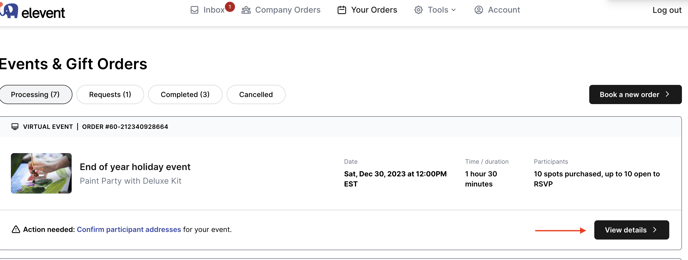
Once signed in go to your order details page
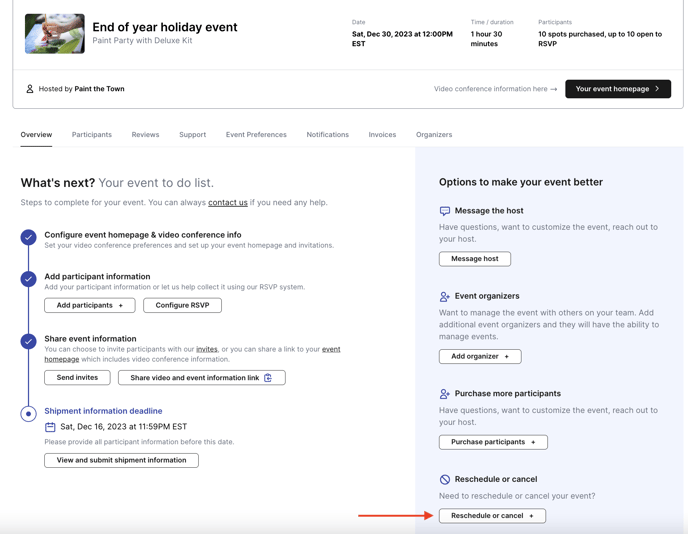
On the Overview tab of your event details page select Reschedule or Cancel
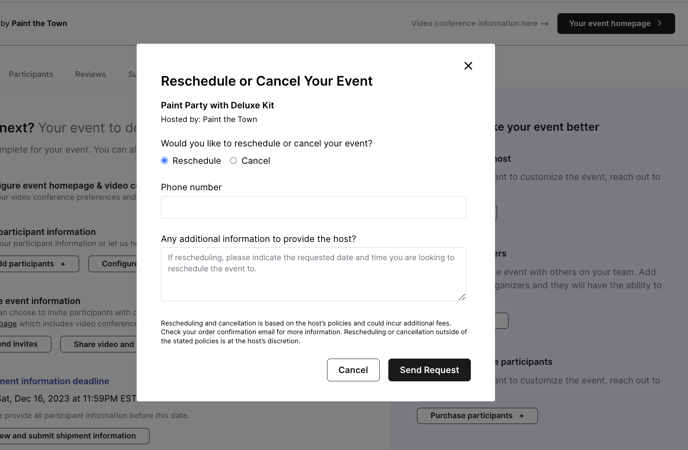
Select cancel or reschedule and submit your requested date and time you would like to reschule to
![elevent-logo-x10000.png]](https://help.bookelevent.com/hs-fs/hubfs/elevent-logo-x10000.png?height=40&name=elevent-logo-x10000.png)
Once signed in go to your order details page
On the Overview tab of your event details page select Reschedule or Cancel
Select cancel or reschedule and submit your requested date and time you would like to reschule to